

How to Connect Claude, ChatGPT & Cursor to Live Crypto Data — Flicker MCP in 3 Steps
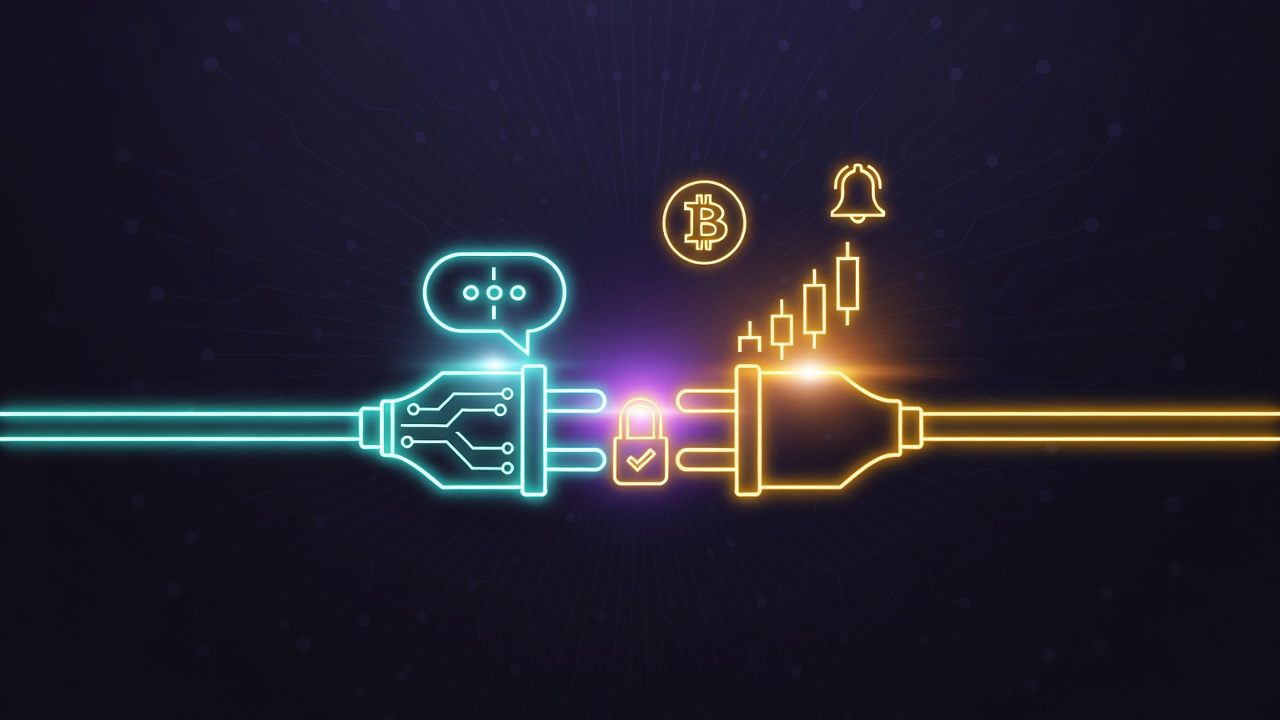
Flicker's MCP server now connects with one sign-in — no API keys to copy. Here's how to plug Claude, ChatGPT, Cursor, or any MCP client into 33 live crypto tools, from real-time signals to your own portfolio.
Ask Claude or ChatGPT about crypto and you get the same disclaimer every time: "my knowledge has a cutoff." Connect it to Flicker's MCP server and that problem disappears — your assistant pulls live prices, signals, and market analysis on demand, and once you approve the connection, your own portfolio too.
The connection flow just got a major upgrade. No more API keys. You paste one URL, your assistant asks you to sign in, you click Approve — done. The whole thing takes under two minutes.
👉 Open the MCP setup page and connect your assistant →
Flicker MCP at a Glance
| Server URL | https://api.flicker.finance/mcp |
| How you connect | Sign in and approve — no API key to copy or paste |
| Tools | 33 tools across 7 categories |
| Works with | Claude, Claude Code, ChatGPT, Cursor, Windsurf, and any MCP client |
| Price | Free with a Flicker account — Pro unlocks extra timeframes and filters |
| Safety | Can't place trades, move funds, or change your exchange connections |
| Manage access | Account → Connected Apps — disconnect anytime |
What Changed
Flicker's MCP server launched earlier this year with API-key setup. Since then it's been rebuilt around how people actually use it:
- One-click OAuth connect. Your assistant prompts you to sign in and approve — the same flow you use to connect any modern app. No keys to create, copy, or leak.
- A dedicated setup page. flicker.finance/mcp has step-by-step instructions for every major AI client, plus the full tool catalog.
- A much bigger tool surface. The server now exposes 33 tools — including your watchlist, price alerts, order history, notification preferences, and a live view of Flicker's Pilot trading bot.
- Connection management. Every app you've connected shows up under Account → Connected Apps, with a one-click disconnect.
How to Connect (3 Steps)
- Add the server URL. Paste
https://api.flicker.finance/mcpinto your AI assistant's connector settings. - Sign in and approve. The first time your assistant calls a tool, it prompts you to sign in to Flicker (accounts are free) and approve the connection.
- Start asking. Your assistant now pulls live prices, signals, and analysis — and your own portfolio, if you've connected exchanges to Flicker.
Client-specific setup:
| Client | Where to add it |
|---|---|
| Claude | Settings → Connectors (claude.ai or Claude Desktop) → Add custom connector → paste the server URL |
| Claude Code | Run claude mcp add -s user --transport http flicker https://api.flicker.finance/mcp |
| ChatGPT | Settings → Connectors → Add MCP connector → paste the server URL |
| Cursor | Add { "mcpServers": { "flicker": { "url": "https://api.flicker.finance/mcp" } } } to mcp.json |
| Other clients | Any client that supports remote MCP servers with OAuth — Windsurf, Continue, custom agents — works the same way |
The setup page has the same instructions with copy buttons.
What Your Assistant Can Do
33 tools across 7 categories. Everything works with a free account; portfolio and account tools read whatever you've connected to Flicker.
| Category | Tools | What it covers |
|---|---|---|
| Analysis | 4 | Full technical analysis, Buy/Hold/Sell signals with confidence, market sentiment |
| Discovery | 3 | Market-wide trading signals, screener, Fear & Greed leaderboard |
| Insights | 3 | Global market overview, funding rates, latest crypto news |
| Market data | 5 | Live prices, asset search, top movers, exchange details |
| Portfolio | 10 | Your positions, balances, trade & order history, watchlist |
| Account | 6 | Account info, price alerts, notification preferences |
| Pilot bot | 2 | Spectate the Pilot bot's live positions and track record (eligible accounts) |
Asset coverage spans crypto, stocks, and now FX currencies — the same assets you see on Flicker itself.
Example Prompts
Once connected, conversations like these just work:
"What's Flicker's current signal for ETH on the 1-hour timeframe?"
"Show me today's top breakout candidates."
"Summarize my open positions and flag anything with negative momentum."
"Set a price alert for BTC at $95,000."
"What's the funding rate situation across exchanges right now?"
Your assistant answers from live Flicker data — not from stale training data.
Is It Safe?
Connecting grants read access to your positions, balances, trade history, watchlist, alerts, and account info. It cannot place trades, move funds, or change your exchange connections — there is no tool for any of that.
The only things your assistant can change are your own Flicker conveniences: price alerts, watchlist entries, and notification preferences.
You stay in control on both ends: revoke access from your AI client's settings, or from Account → Connected Apps on Flicker.
Frequently Asked Questions
Is the Flicker MCP server free? Yes. All 33 tools work with a free Flicker account. A Pro plan unlocks extra analysis timeframes (4h / 1d / 1w) and advanced signal filters.
Do I need an API key? No. MCP connections use sign-in and approve — your assistant handles it automatically. (Flicker's separate REST API still uses API keys for developers building their own apps.)
Can my AI assistant trade with my money? No. The server has no trading tools. It can't place orders, move funds, or touch your exchange connections — connecting is safe by design.
Which AI assistants are supported? Any MCP-compatible client: Claude, Claude Code, ChatGPT, Cursor, Windsurf, Continue, and custom agents built on the protocol.
How many price alerts can my assistant create? Alerts created through MCP count toward your plan's limit — 10 on the free plan, unlimited on Pro.
How do I disconnect an app? Either from your AI client's own connector settings, or from Account → Connected Apps on Flicker. Disconnecting takes effect immediately.
AI assistants are already good at reasoning about markets. What they've been missing is current data. Two minutes of setup fixes that.
👉 Connect your AI assistant to Flicker →
About MCP
Model Context Protocol is an open standard created by Anthropic and adopted across the AI industry. Flicker is not affiliated with Anthropic, OpenAI, or other AI providers.
This article is for informational purposes only and is not financial advice.
- MCP
- AI
- Claude
- ChatGPT
- Cursor
- crypto data
- integration
- connect AI to crypto
You might also like

Flicker MCP Server: Connect AI Assistants to Real-Time Crypto Data
Give Claude, ChatGPT, and other AI assistants direct access to Flicker's crypto signals, smart money tracking, and market intelligence through the Model Context Protocol.

Flicker Public API: Build With Real-Time Crypto Intelligence
Access Flicker's AI-powered signals, smart money tracking, and market data through our new public API at api.flicker.finance.
Flicker Now Supports Hyperliquid: Track Your Perp Positions in One Place
Connect your Hyperliquid account to Flicker and get real-time position tracking, P&L insights, and AI-powered analysis for your perpetual futures trades.